Contractor, visitor and delivery sign-in across multiple sites
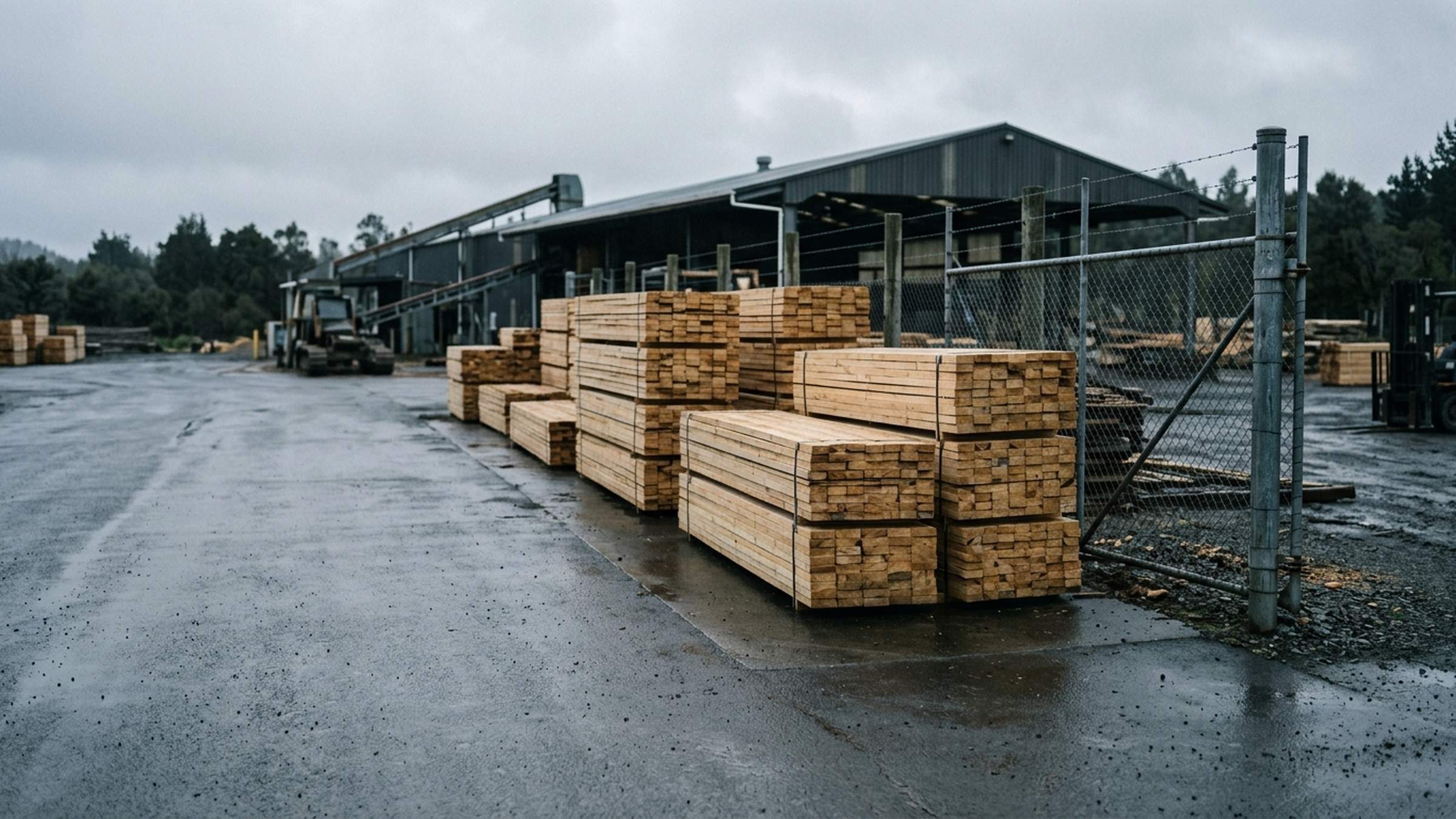
A New Zealand timber processor replaced the sign-in book at its mills with QR code sign-in for contractors, visitors and delivery drivers. Sign-in includes the site induction and the Permit to Work, and gives each site an evacuation list.
1account for every site
4sign-in types
2quiz attempts before a hold
0apps to download
In short
The business uses SiteKey at each of its mills to sign in contractors, visitors and delivery drivers from one permanent QR sign at each entrance, with no app to download. One site induction with a quiz covers every site, and a sign-in is held after two failed attempts. Permits to Work are built from the high-risk work declared at the gate. The evacuation list is grouped by site and opens in one tap on a phone.
Published 12 November 2026 by Gordon Findlay, SiteKey. Reading time about seven minutes.
The problem
Paper sign-in at its mills
The business has several sites, each with its own entrance, hazards and assembly points. Staff already had their own sign-in, so the project covered contractors, visitors and delivery drivers.
Electricians, fitters, scaffolders and painters come and go all week. Delivery drivers arrive all day, most staying with the truck, some
getting out to help unload. Visitors turn up to see a named person. All of them were
signing a book at a gate, and the book was the only record anyone had.
As the PCBU, the business has to know who is on each site at any time and whether each person has been inducted for it. A book at the gate could not show either.
Most delivery drivers stay with the truck while it is unloaded.
What it looked like day to day
Six problems with the paper book
People sign in and forget to sign out
Names stay on the list after people leave, so by the end of the week nobody can say who is still on site.
The muster list cannot be relied on
At an evacuation the warden reads names off the book and has to work out from memory who has already left.
Permits sit in the wrong building
The folder is in an office at one site while the work it covers is happening at another.
Inductions are a signature on paper
Nothing records what the person understood, or whether the induction is still current.
Visitors and contractors know the site least
Contractors, drivers and visitors are the people least likely to know where the assembly point is.
No proof of site conditions
Some of the sites have regulatory conditions a person has to acknowledge before entering, and a paper book cannot show that they did.
The business wanted a record it could rely on in an emergency, quick enough for a contractor to fill in at the gate in the rain.
One sign at each entrance
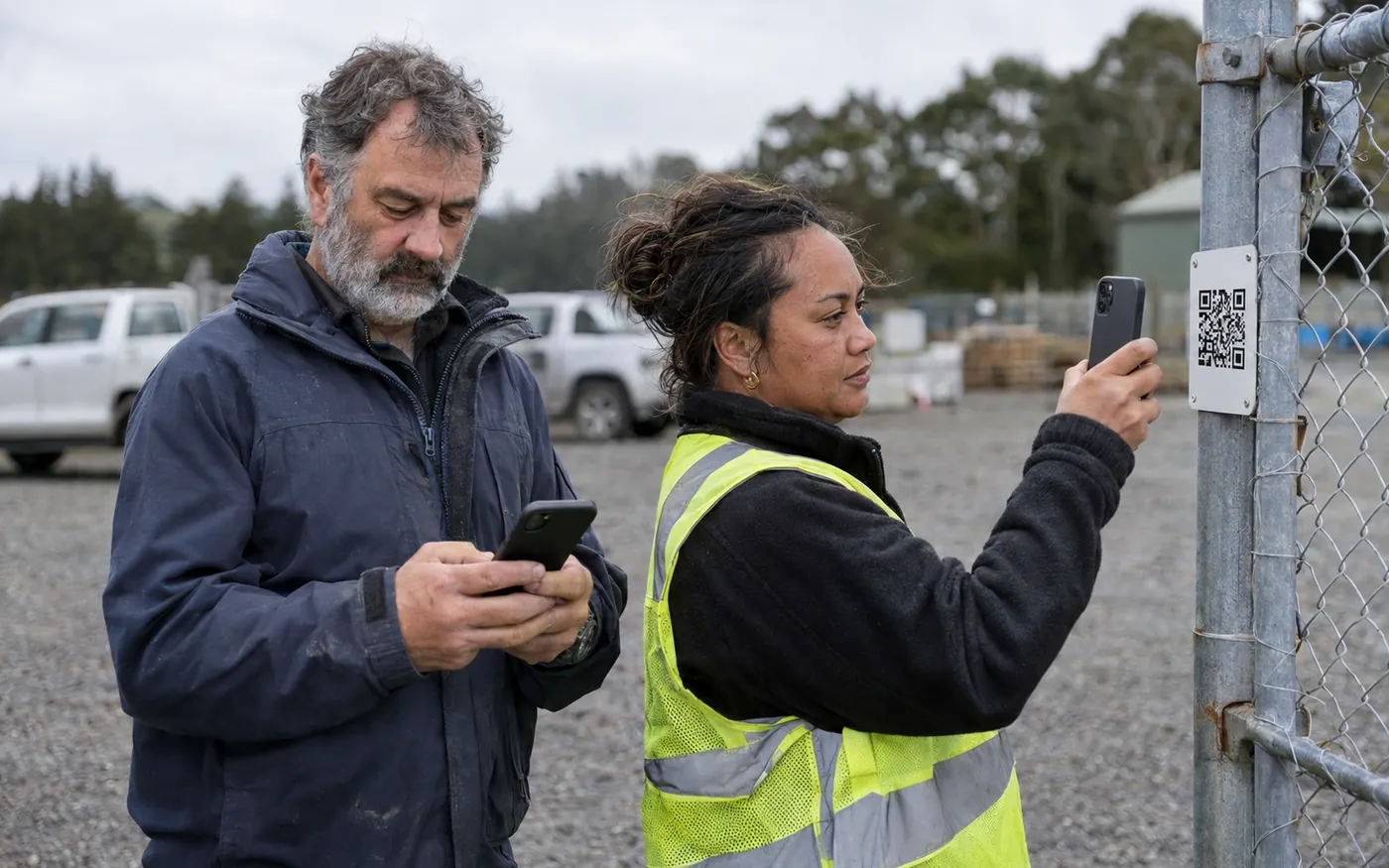
Contractors scan the code with their own phone.
How it started
Set up to the client's specification
The business gave us its sign-in questions, its permit form and its induction rules, and SiteKey was configured to match.
The questions, permit form and induction rules came from the business.
At the gate
Getting on site
Each entrance has one permanent sign. Staff, contractors, visitors and delivery drivers all use the same QR sign-in and get the questions for their role.
Each entrance has one permanent sign, and its code never changes.
Browser sign-in
A permanent sign at every entrance.
Detail
Browser sign-in
Contractors, visitors and drivers scan the sign on their own phone and sign in through the browser. There is nothing to install, and the sign never needs reprinting because its code never changes.
Sign-in checked against the site
Each mill has its own address and boundary.
Detail
Sign-in checked against the site
A person can only sign in to the mill they are standing at.
Questions by role
Staff, contractors, visitors and drivers.
Detail
Questions by role
Each of the four is asked only the questions that apply to them. A driver staying with the truck answers three questions. A contractor going onto the floor answers all of them.
A tablet at reception
For people without a working phone.
Detail
A tablet at reception
Reception has a tablet with the same sign-in screens for anyone with a flat phone, no phone or no data. They do the same induction and answer the same questions.
Induction
Checking the induction was understood
The specification asked for a quiz with a pass mark, and a set response when somebody fails it twice.
The induction is done on the person's own phone, once, and is valid at every site.
One induction for all sites
Done once, valid at every site.
Detail
One induction for all sites
Only the emergency details change by location. Validity is set to two years, as in the business's existing written procedure.
Pass mark of 80 percent
Some questions must be answered correctly.
Detail
Pass mark of 80 percent
Four questions, including the emergency question, must be answered correctly whatever the total score.
Held after two failed attempts
A held sign-in emails the safety team.
Detail
Held after two failed attempts
A wrong answer shows the correct one with the reason. After two failed attempts the sign-in is held and the safety team is emailed the questions that were missed, so someone can go and talk to the person. Reloading the page does not reset the attempts.
Expiry reminders
Reminders at thirty, fourteen, seven and one day.
Detail
Expiry reminders
Another reminder goes on the expiry date. A monthly report, downloaded as a spreadsheet, lists who has expired, who is due to expire and who is current.
Some questions on the old paper form had no recorded correct answer. Those questions are shown but not scored until the business confirms the answer.
Permit conditions
Hot work, height, confined space and isolation each add their own conditions to the form.
Permit to Work
Permits built from the declared work
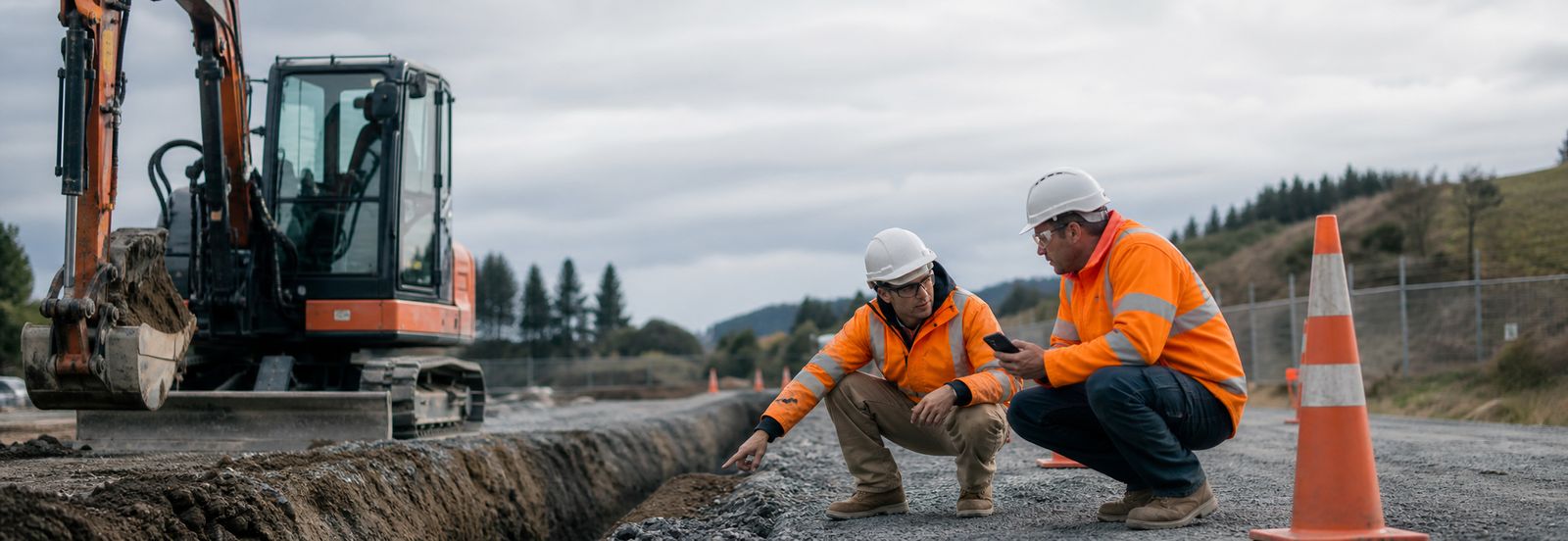
There are eight high-risk categories, including hot work, height, confined space and isolation. The permit shows the conditions for the work the contractor declared.
The work declared at sign-in sets which permit conditions apply.
Their own permit form
The existing form, rebuilt in SiteKey.
Detail
Their own permit form
The business's existing Permit to Work form was rebuilt in SiteKey. Five condition blocks from the paper form appear on every permit.
Conditions by type of work
The work chosen at sign-in sets the form.
Detail
Conditions by type of work
Confined space entry adds atmospheric testing, a trained standby person and a rescue plan. Hot work adds a fire watch, with the number of minutes it stays after the work finishes.
Only nominated people issue
Restricted at the point of issue.
Detail
Only nominated people issue
SiteKey checks who is issuing the permit, so a person who finds the page address still cannot issue one. A named backup can issue when the usual issuer is on leave.
Paper permits recorded
Number and form saved against the sign-in.
Detail
Paper permits recorded
Where paper is used the number is recorded against the sign-in and the completed form is attached as a PDF or a phone photo. Attaching the form is optional, so a slow upload from the mill floor does not hold up the permit.
Every condition block is tagged with its source, which is the paper form, the specification or a SiteKey proposal. Anything we drafted is marked as ours so the adviser can check it.
The muster list on a phone
Grouped by site, with an unassigned group so nobody drops off the count.
On the day
Alerts, sign-out and the muster list
What happens during the working day and in an emergency.
Email alerts
High-risk work and visitor arrivals, emailed.
Detail
Email alerts
When a contractor declares high-risk work, the nominated people are emailed straight away. When a visitor arrives, the person they are there to see is emailed. Alerts name the site, so a manager covering two gates can tell them apart.
Automatic sign-out
Sign-out with an hourly catch-up.
Detail
Automatic sign-out
The hourly catch-up closes any sign-in left open from the day before, so people who have gone home do not show as on site.
The muster list on a phone
Grouped by site, one tap from the home screen.
Detail
The muster list on a phone
The evacuation view has an unassigned group so nobody drops off the count, and wardens who prefer paper can print it.
Everything exports
Every record, in a format that opens in Excel.
Detail
Everything exports
Every sign-in with the answers given, every visitor, every permit with its conditions and close-out, every induction, every daily JSA and every incident.
For the adviser
How SiteKey supports the obligations
This section is written for H&S advisers. SiteKey records and manages information, and does not discharge a duty under the Health and Safety at Work Act 2015. The business remains the PCBU, and SiteKey keeps the records that show what was done.
Every record exports to a format that opens in Excel.
What was required
How it works
Records held electronically for seven years
The export includes every answer given at sign-in, with the name and time. Data belongs to the client and a full export in an open format is available at any time, at no charge, including at the end of a subscription.
Site-specific regulatory acknowledgements
Sites with MPI Transitional Facility obligations show the matching acknowledgement. SiteKey will not complete the sign-in without it, and records it against that individual sign-in so the record shows what that person agreed to on that day.
Competency to issue permits
Where a procedure requires a qualification to issue a permit, SiteKey records whether it has been confirmed and shows an unconfirmed qualification as unknown.
Induction validity and version control
If induction content is materially updated, everyone re-inducts at their next visit, whatever their own expiry date.
Checking the permit process is followed
A monthly report compares sign-ins flagged as high risk with permits issued. High-risk sign-ins without a permit show where the process was missed.
The on-site list shows who signed in, and wardens use it to support the roll call at an evacuation. Alerts depend on email, mobile networks and devices outside anyone's control, so supervision is still needed. We tell every client both of these in writing.
Common questions
Questions we get asked about multi-site sign-in
Can one sign-in system cover more than one site?
Yes. This business has several sites under a single account, each with its own address, emergency details and assembly point. A person signs in to the site they are standing at, and the office sees every site in one place.
Do contractors need to download an app?
No. Every entrance has a permanent QR sign. Contractors, visitors and delivery drivers scan it on their own phone and sign in through the browser, so there is nothing to install. Reception also has a tablet with the same screens for anyone without a usable phone.
Does a contractor have to redo the induction at every site?
No. The induction is completed once and stays valid across every site, with only the site-specific emergency information changing by location. Validity is set to two years, and everyone re-inducts early if the content is materially updated.
What happens if somebody fails the induction quiz?
A wrong answer shows the correct one with the reason, and the person can try again. After two failed attempts the sign-in is held, the safety team is emailed with exactly which questions were missed, and a person deals with it face to face. Reloading the page does not reset the attempt count.
How is a Permit to Work issued?
The contractor picks the high-risk work at sign-in, and the permit adds the checks for it. Confined space entry adds atmospheric testing, a trained standby person and a rescue plan, and hot work adds a fire watch. Only nominated people can issue a permit, and a named backup covers leave.
Can the evacuation list be used as a roll call?
Yes, it is used to support the roll call. The list shows everyone signed in, grouped by site, and opens in one tap on a phone. It includes an unassigned group so nobody drops off the count, and it can be printed for the warden.
Multiple sites and a lot of contractors?
If your operation looks like this, book a demo and we will talk through the setup. Most sites are set up inside a week.